> ## Documentation Index
> Fetch the complete documentation index at: https://docs.portkey.ai/docs/llms.txt
> Use this file to discover all available pages before exploring further.
# Detecting Emotions with GPT-4o
 ## First, grab the API keys
| [Portkey API Key](https://app.portkey.ai/) | [OpenAI API Key](https://platform.openai.com/api-keys) |
| ------------------------------------------ | ------------------------------------------------------ |
```sh theme={"system"}
pip install -qU portkey-ai openai
```
## Let's make a request
```py theme={"system"}
from openai import OpenAI
from portkey_ai import PORTKEY_GATEWAY_URL, createHeaders
portkey = OpenAI(
api_key = 'OPENAI_API_KEY',
base_url = PORTKEY_GATEWAY_URL,
default_headers = createHeaders(
provider = "openai",
api_key = 'PORTKEY_API_KEY'
)
)
emotions = portkey.chat.completions.create(
model = "gpt-4o",
messages = [{"role": "user","content":
[
{"type": "image_url","image_url": {"url": "https://i.insider.com/602ee9d81a89f20019a377c6?width=1136&format=jpeg"}},
{"type": "text","text": "What expression is this person expressing?"}
]
}
]
)
print(emotions.choices[0].message.content)
```
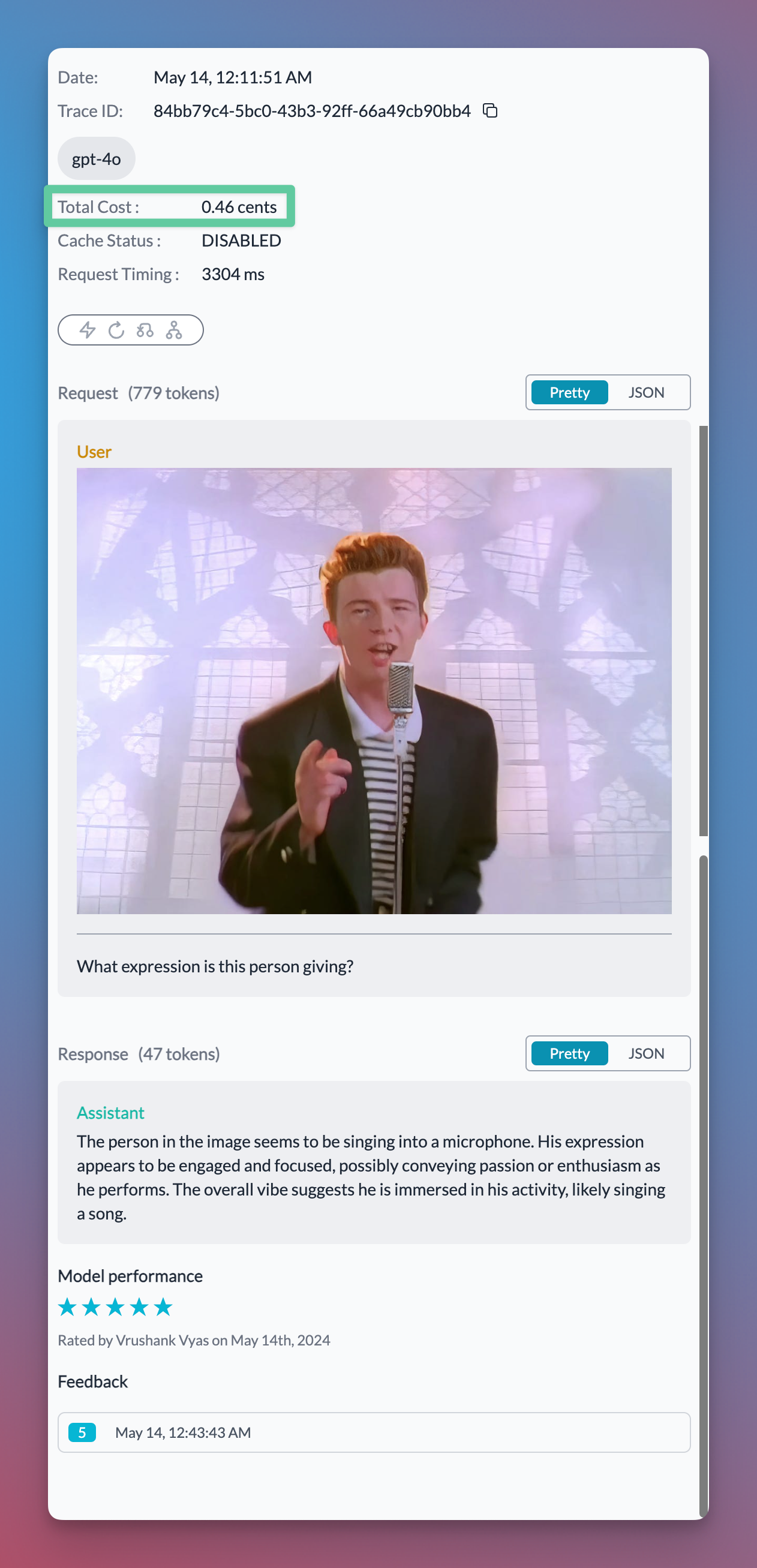
## Get Observability over the request
## First, grab the API keys
| [Portkey API Key](https://app.portkey.ai/) | [OpenAI API Key](https://platform.openai.com/api-keys) |
| ------------------------------------------ | ------------------------------------------------------ |
```sh theme={"system"}
pip install -qU portkey-ai openai
```
## Let's make a request
```py theme={"system"}
from openai import OpenAI
from portkey_ai import PORTKEY_GATEWAY_URL, createHeaders
portkey = OpenAI(
api_key = 'OPENAI_API_KEY',
base_url = PORTKEY_GATEWAY_URL,
default_headers = createHeaders(
provider = "openai",
api_key = 'PORTKEY_API_KEY'
)
)
emotions = portkey.chat.completions.create(
model = "gpt-4o",
messages = [{"role": "user","content":
[
{"type": "image_url","image_url": {"url": "https://i.insider.com/602ee9d81a89f20019a377c6?width=1136&format=jpeg"}},
{"type": "text","text": "What expression is this person expressing?"}
]
}
]
)
print(emotions.choices[0].message.content)
```
## Get Observability over the request