> ## Documentation Index
> Fetch the complete documentation index at: https://docs.portkey.ai/docs/llms.txt
> Use this file to discover all available pages before exploring further.
# Agent Registry
> Manage your agent integrations
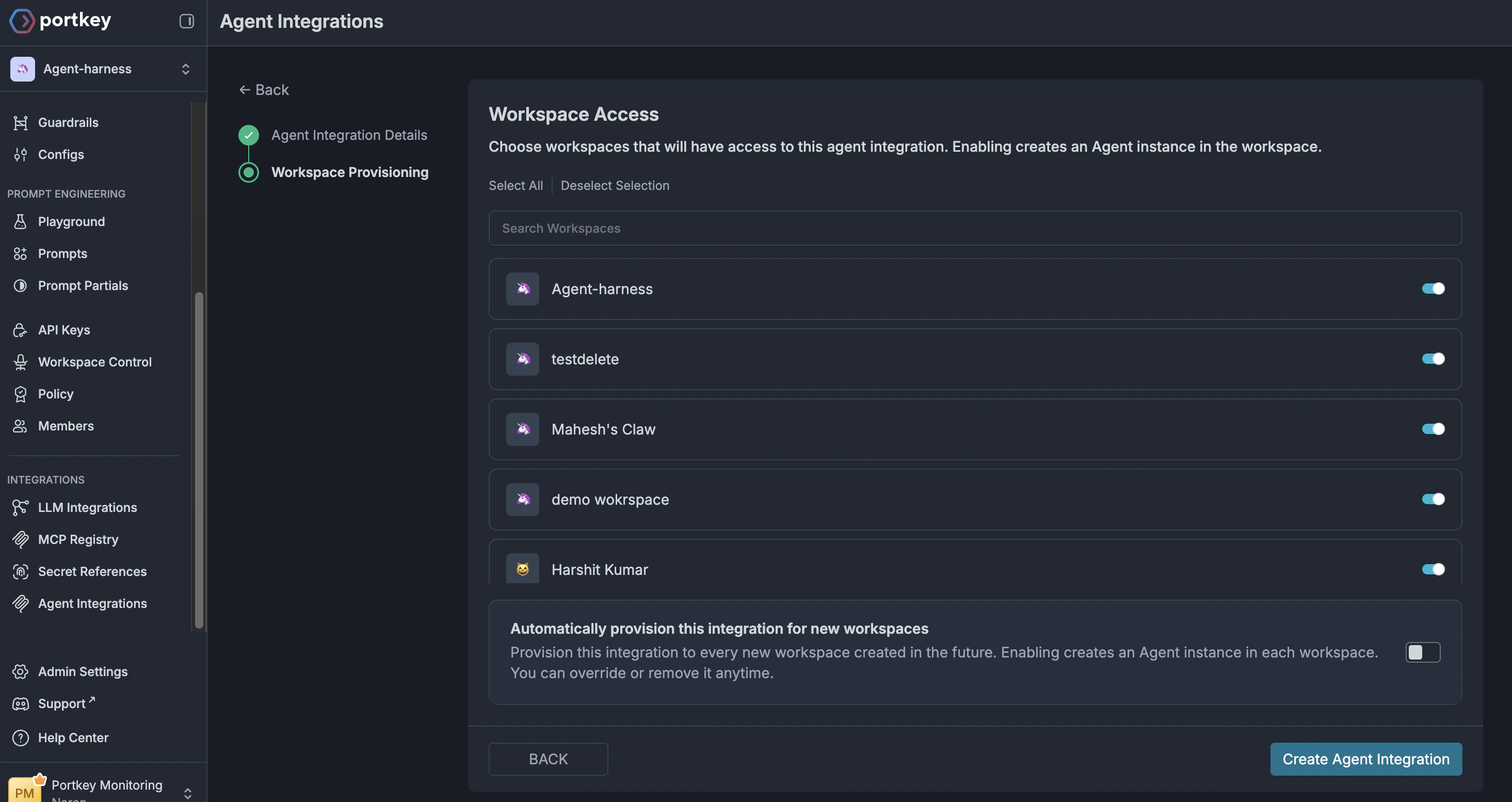
The Agent Registry forms the core of the Agent Gateway, allowing admins to provision agents and granularly control access to them.
You can register your agents by following the getting started guide [here](/product/agent-gateway/quickstart).
Once you have successfully registered your agent, you can do the following:
* Control access to the agent itself.
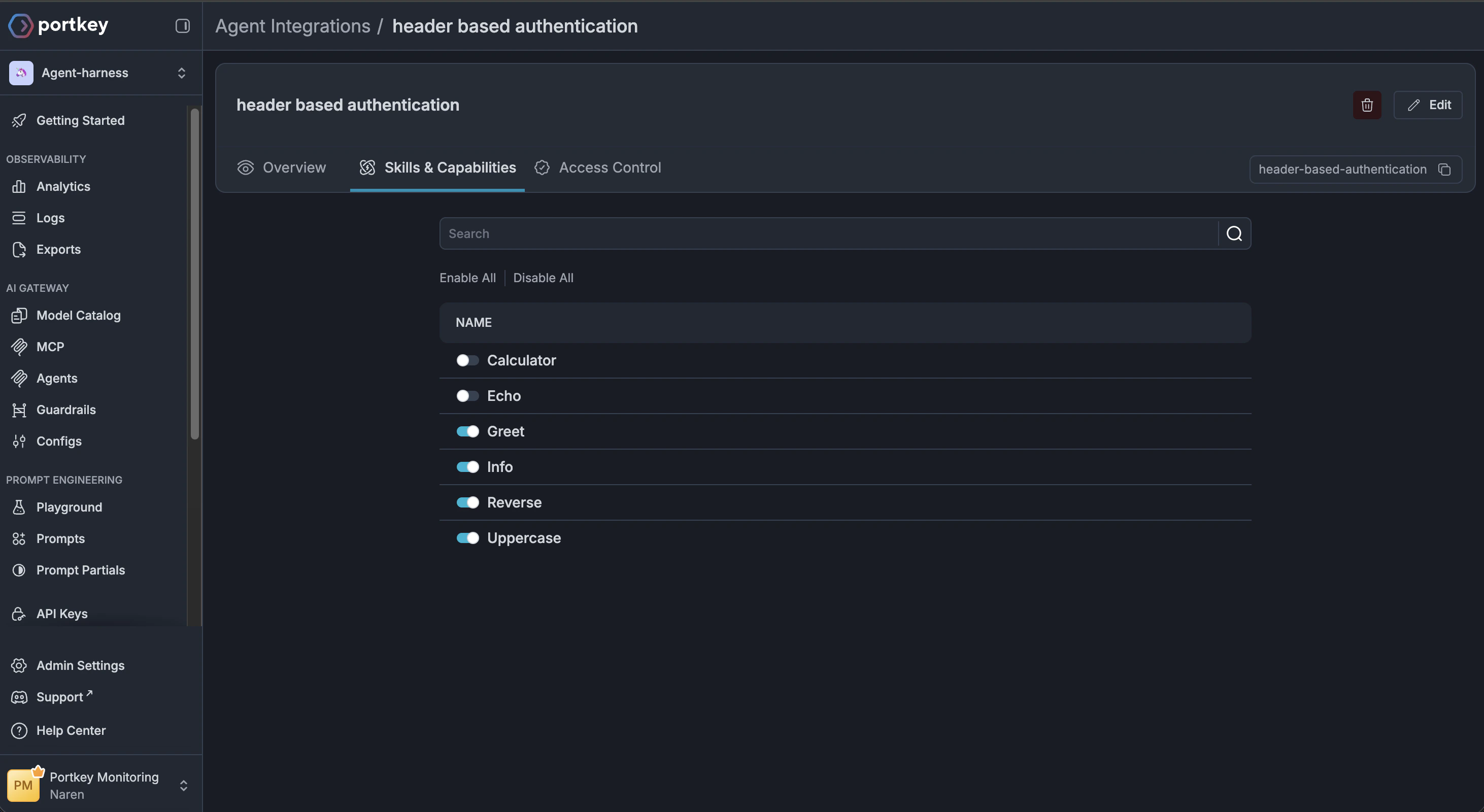
 * Control access to the specific skills and capabilities that the agent provides.
 ## Coming soon
* Control access to specific users
* Control access to skills inside specific workspaces
* Control access to skills for specific users
## Further reading
Get started with the Agent Gateway by registering your first agent.
Learn how virtual agent servers work and how to host your own.
## Coming soon
* Control access to specific users
* Control access to skills inside specific workspaces
* Control access to skills for specific users
## Further reading
Get started with the Agent Gateway by registering your first agent.
Learn how virtual agent servers work and how to host your own.