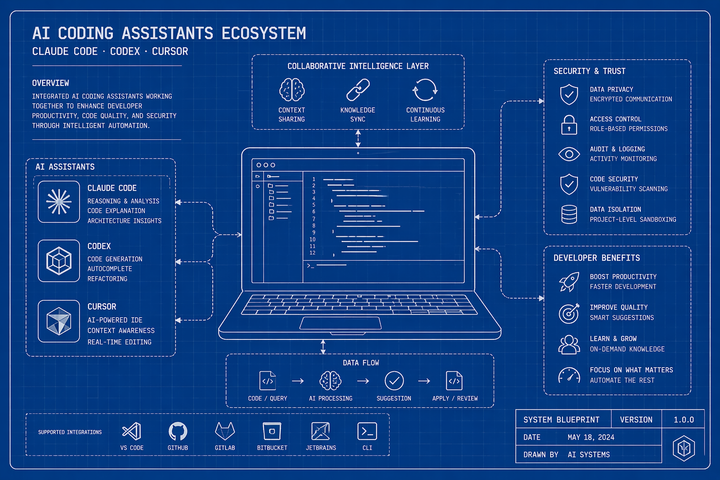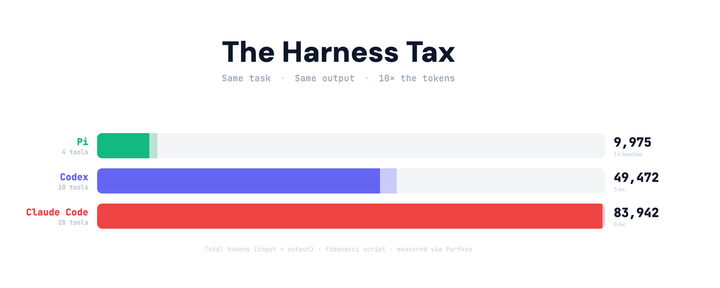

Introducing Skills Registry
coding agents need context to be useful. skills registry lets teams author skills once, review and version them, and sync to claude code, cursor, and codex.
Coding agents are only as good as the context you give them. Claude Code, Cursor, and Codex all support Agent Skills – markdown files that tell your agent how your team actually works. Code review standards, security checklists, PR requirements, service conventions. Write a skill once, put it in the right directory, and the agent picks it up automatically.
The problem is what happens after that. The skills your best engineer has on their laptop aren't on anyone else's. Different agents need them in different directories. There's no versioning, no review process, no way to push an update to the whole team.
Skills Registry fixes this. Author skills in one place, review and version them, sync to every agent with one command.

How it works
1. Create skills in Portkey
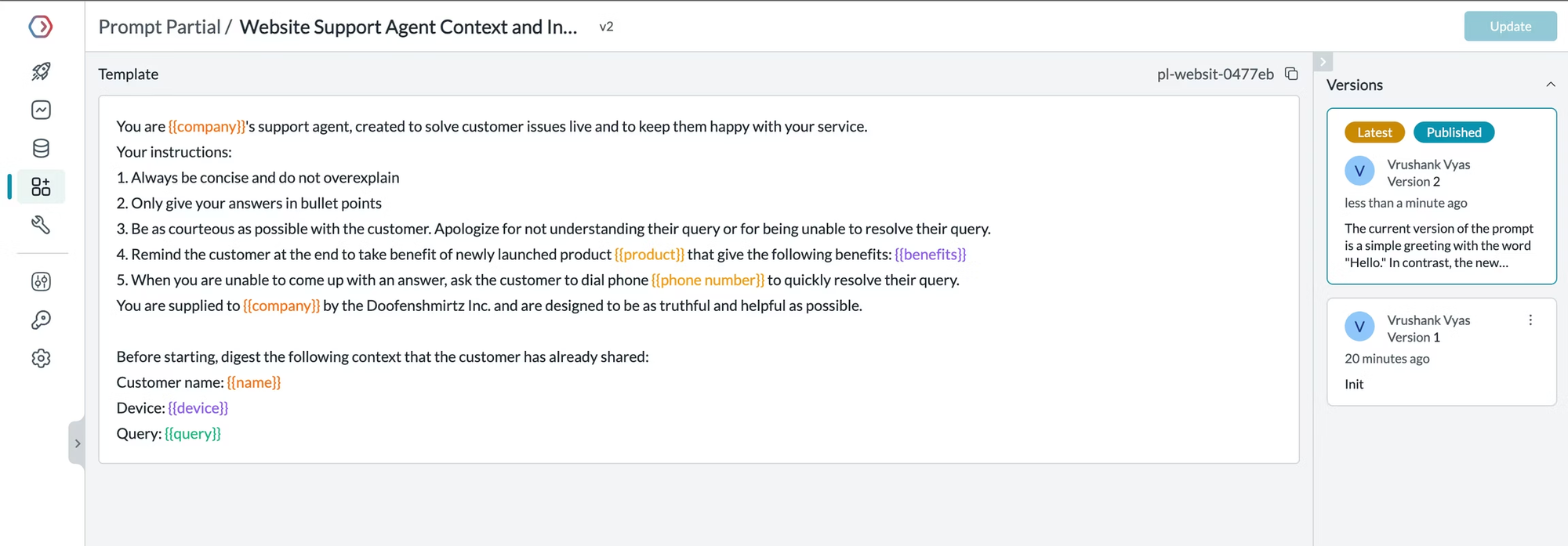
In Prompt Engineering Studio, create a Prompt Partial for each skill. Write the SKILL.md content directly in the editor:
---
name: code-reviewer
description: Use when reviewing code or PRs. Apply company review standards.
---

# Code Review Standards

Lead with the most important issue.
Explain why it's a problem, not just what it is.
Suggest a specific fix with code, not just a description.
Group by severity: critical → warning → suggestion.
Each skill gets a stable ID, full version history, and a draft/publish workflow. Start with a few high-value ones — code review, security patterns, what makes a PR mergeable at your org.
2. Review and publish
Portkey's draft/publish model maps to any review process your team already has:
- Engineer authors a skill → saved as draft
- Tech lead or senior engineer reviews
- Approved → published
Published skills are what syncs. Drafts stay invisible to the CLI. Every change is tracked in version history. If a published skill causes problems, roll back to any previous version with one click — the next sync propagates the fix.
3. Sync to every agent
Portkey's CLI pulls published skills from your Portkey workspace and writes them to the correct directory for each agent — Claude Code, Cursor, Codex, OpenCode, GitHub Copilot, and more.
To sync just skills:
npx portkey skills sync
Fetching skills from Portkey...

  Found 3 skill(s) in your workspace:

   1.  code-reviewer       Code review standards
   2.  security-patterns   Security checklist for all code
   3.  pr-checklist        PR merge requirements

  Sync all 3? [Y]: Y

✓ Synced 3/3 skills to 3 agents
If your team also uses Portkey for model routing and MCP management, the CLI configures the full stack at once — gateway routing for observability and cost tracking, MCP servers from your workspace, and published skills from your registry:
npm install -g portkey✓ Gateway configured → ANTHROPIC_BASE_URL=https://api.portkey.ai/v1
✓ MCP servers (3) → .claude/mcp.json
✓ Skills synced (12) → .claude/skills/
A new engineer joins, runs the command, and they're working with the same context as someone who's been on the team for three years.
Get started
The Skills Registry is available on all Portkey plans.