

Example MCP request
A Responses API request to OpenAI with MCP tools enabled.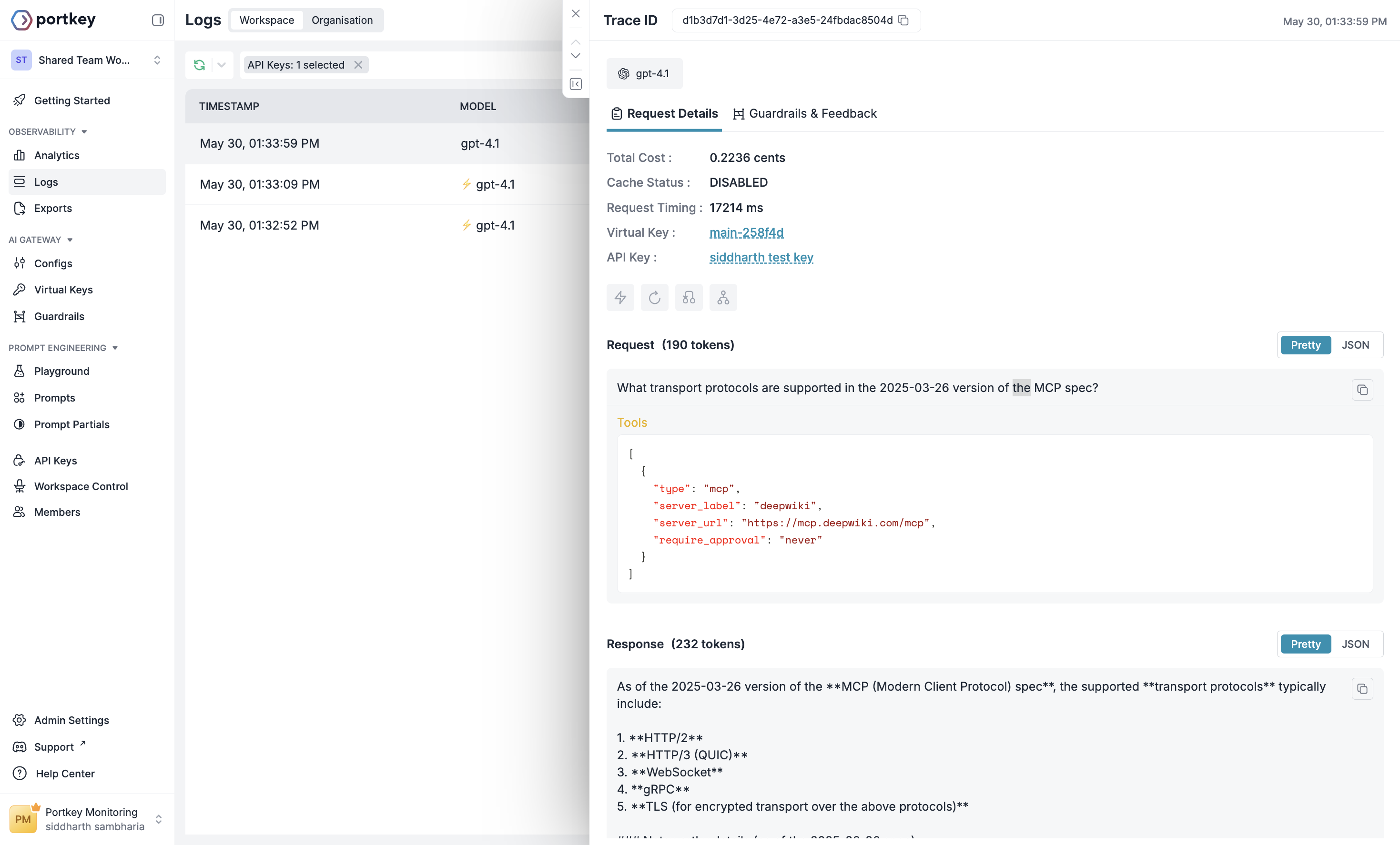
Example Log for the request on Portkey
MCP Server Authentication
Unlike the DeepWiki MCP server, most other MCP servers require authentication. The MCP tool in the Responses API gives you the ability to flexibly specify headers that should be included in any request made to a remote MCP server. These headers can be used to share API keys, oAuth access tokens, or any other authentication scheme the remote MCP server implements. The most common header used by remote MCP servers is theAuthorization header. This is what passing this header looks like:
Use Stripe MCP tool
headers object. These values will also not be visible in the Response object created. Additionally, because some remote MCP servers generate authenticated URLs, we also discard the path portion of the server_url in our responses (i.e. example.com/mcp becomes example.com). Because of this, you must send the full path of the MCP server_url and any relevant headers in every Responses API creation request you make.