

How to Override Model Pricing
You can change the pricing for any model directly from your Portkey dashboard.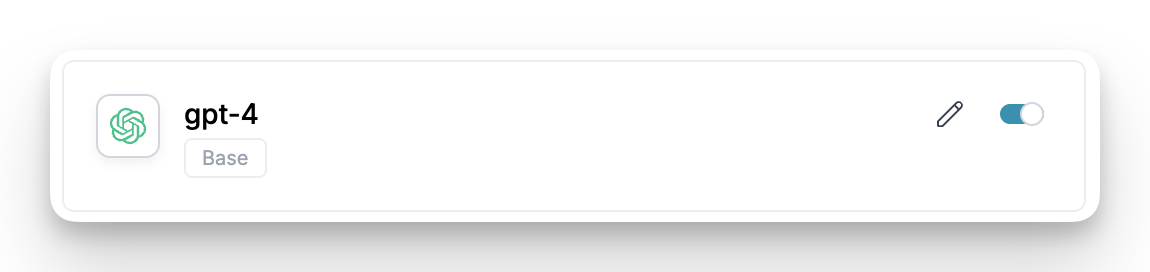
- Navigate to the relevant Integration in your Portkey account, select the Integration for which you want to add a custom model.
- Select the Model Provisioning step from steps.
- Find the model whose pricing you want to change in the list.
- Click the Edit (pencil) icon on the right side of the model’s row.
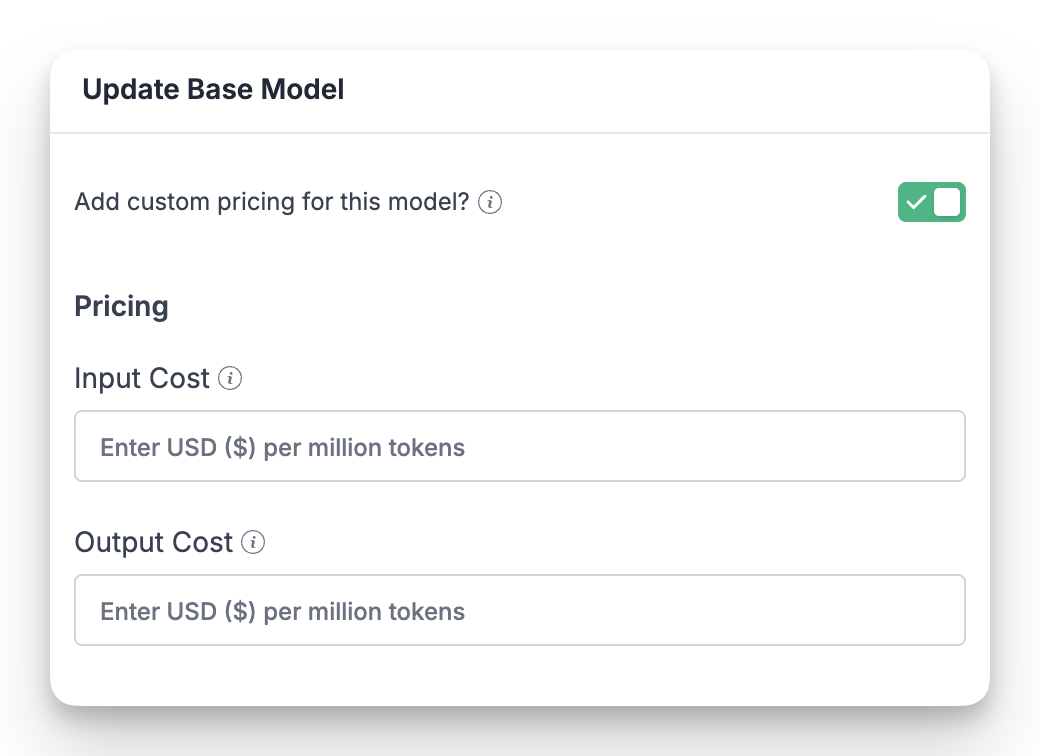
Pricing Fields
When you edit a model, you can set the following pricing values: Once you save the changes, Portkey will use these new rates to calculate the cost of all subsequent requests made with this model, providing you with an accurate view of your AI expenditure.Portkey is now PRISMA AIRS AI Gateway. See it in action.
Contact Us