

Secure
Centralize provider credentials. Issue scoped API keys per team. Rotate or revoke access without touching developer configs.
Control
Set hard budget and rate limits per developer, team, or workspace. Block requests when limits are hit.
Observe
Log every request — cost, tokens, latency, model, and who made it. Attribute spend by team or project.
Supported agents
Claude Code
The most widely deployed AI coding agent. Supports Anthropic direct, Bedrock, and Vertex AI through a single Portkey endpoint.
OpenAI Codex
OpenAI’s terminal coding agent. Configure via
config.toml with full provider flexibility.Cursor
Route Cursor’s AI requests through Portkey for observability and cost controls.
Cline
Set Portkey as Cline’s custom OpenAI base URL.
Roo Code
Drop-in Portkey integration via base URL override.
Pi Agent
Minimal extensible terminal coding agent. Route through Portkey via custom provider config.
Goose, opencode & more
Any OpenAI-compatible coding agent works with Portkey.
What platform teams get
Access control
Developers never see provider credentials. Every request is authenticated through a scoped Portkey key.Cost management
Agentic loops are expensive. One uncapped session can rack up hundreds of dollars overnight.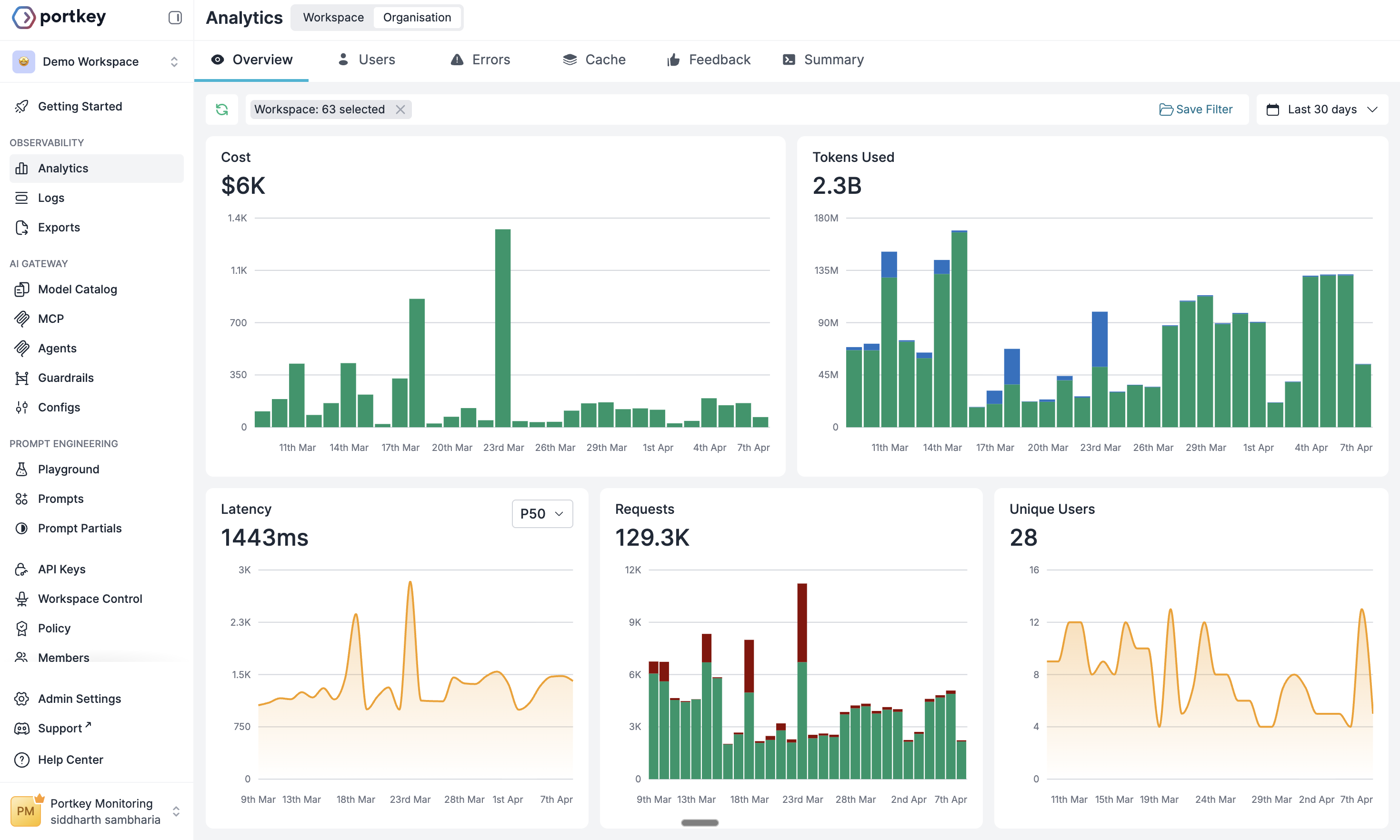
Reliability
Coding agents fail silently when providers go down. Portkey routes around outages automatically.Governance
Coding agents operate with terminal-level access. Portkey adds the control layer.Setting up Claude Code and Codex
For Claude Code and Codex, the Portkey CLI sets up gateway routing, MCP servers, and team skills in one command:Claude Code setup
Anthropic direct, Bedrock, and Vertex AI
Codex setup
Full
config.toml reference and provider optionsNext steps
Budget Policies
Hard spend limits per team or developer
Model Catalog
Centralized provider credentials and access controls
Configs
Fallbacks, load balancing, and routing strategies
MCP Gateway
Govern MCP tool access across your agent fleet
Observability
Logs, traces, and cost breakdowns for every session
Agent Skills
Sync team coding standards to every developer’s agent
Portkey is now PRISMA AIRS AI Gateway. See it in action.
Contact Us