

Source & full changelog
github.com/Portkey-AI/cli
What gets configured
Runningnpx portkey (or npx portkey setup) opens an interactive wizard. Choose which agent to configure:
- Claude Code — sets
ANTHROPIC_BASE_URL,ANTHROPIC_AUTH_TOKEN, andANTHROPIC_CUSTOM_HEADERSin~/.claude/settings.json - Codex — writes
base_url,PORTKEY_API_KEY, andwire_apiinto.codex/config.toml - Cursor (skills only) — syncs team skills to
.cursor/skills/
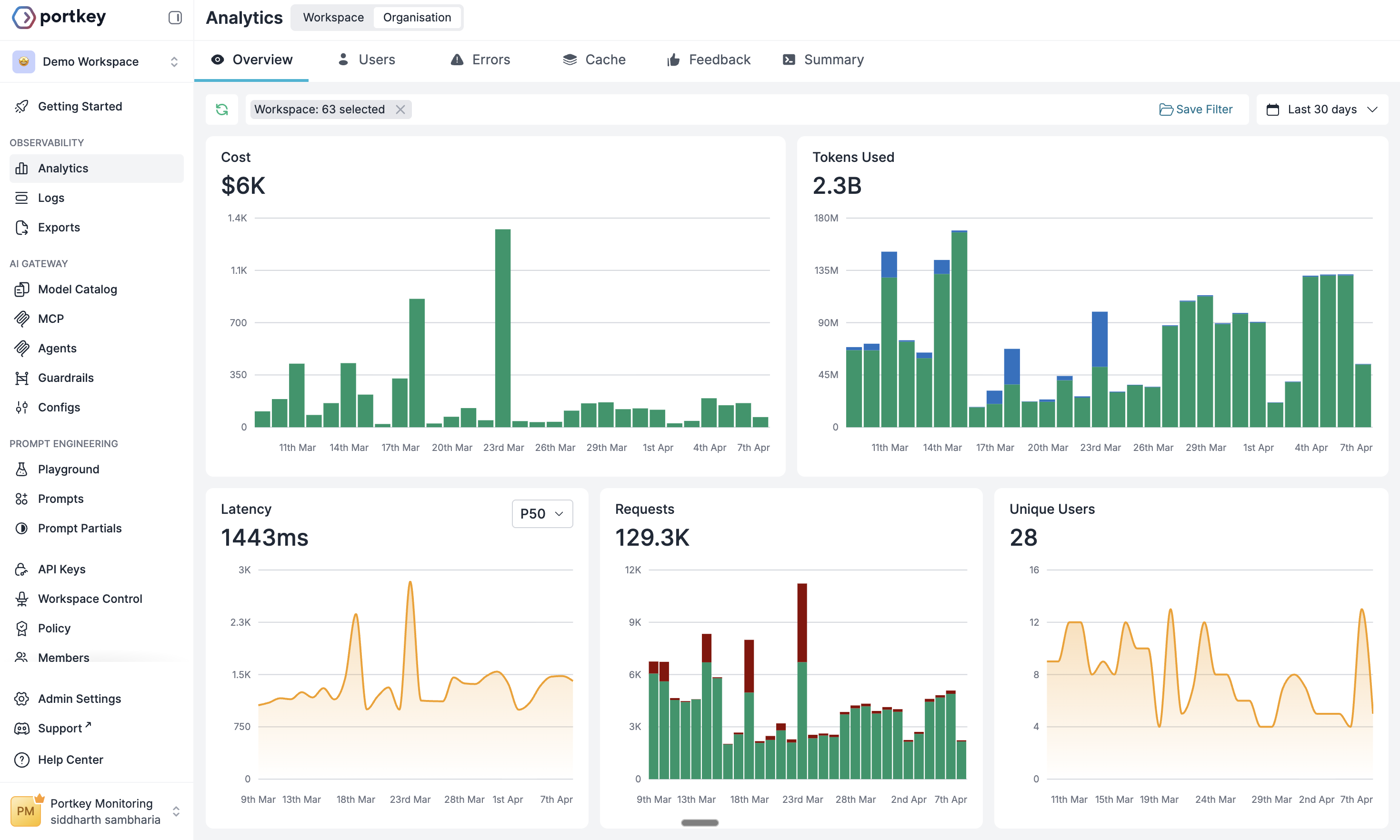
Gateway routing
MCP servers
Fetches your workspace’s MCP integrations and writes them to each agent’s config — your Portkey API key included in headers automatically.- Claude Code — written to
~/.claude.json/.mcp.json - Codex — written as
[mcp_servers.*]blocks in.codex/config.toml
MCP integrations requiring upstream OAuth (e.g. Linear, Slack) are flagged during setup. For Claude Code, run
/mcp to complete the OAuth flow. For Codex, run codex mcp login <server-name>.Team skills
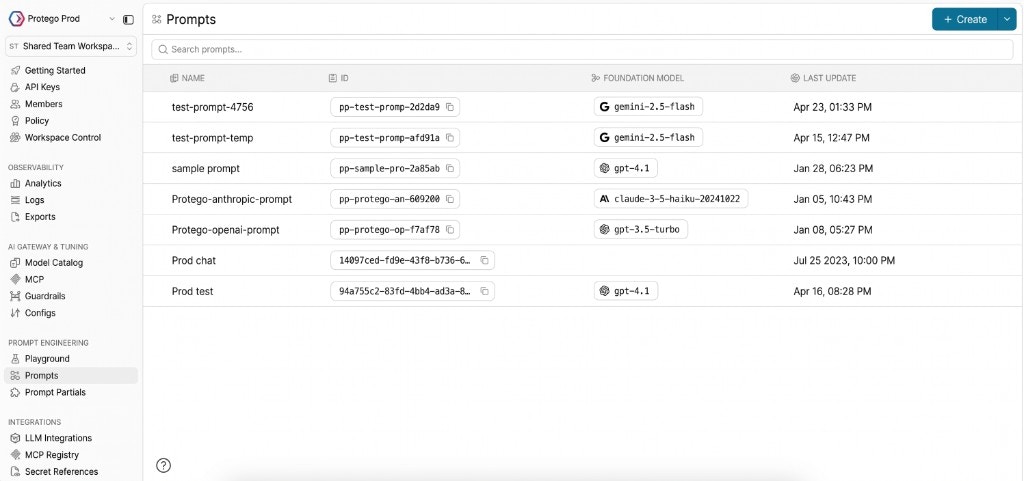
Syncs Prompt Partials from Portkey asSKILL.md files to the agent’s skills directory. Every developer runs one command and gets the same instructions.
Commands
Non-interactive setup (CI / scripts)
Pass--yes to skip all prompts and use flags directly:
Refresh skills in CI
Next steps
Model Catalog
Configure providers and model access in Portkey
Portkey Configs
Fallbacks, load balancing, and routing strategies
Agent Skills
Create and sync team skills to every developer’s machine
MCP Gateway
Centralized auth and observability for MCP tool access
Portkey is now PRISMA AIRS AI Gateway. See it in action.
Contact Us