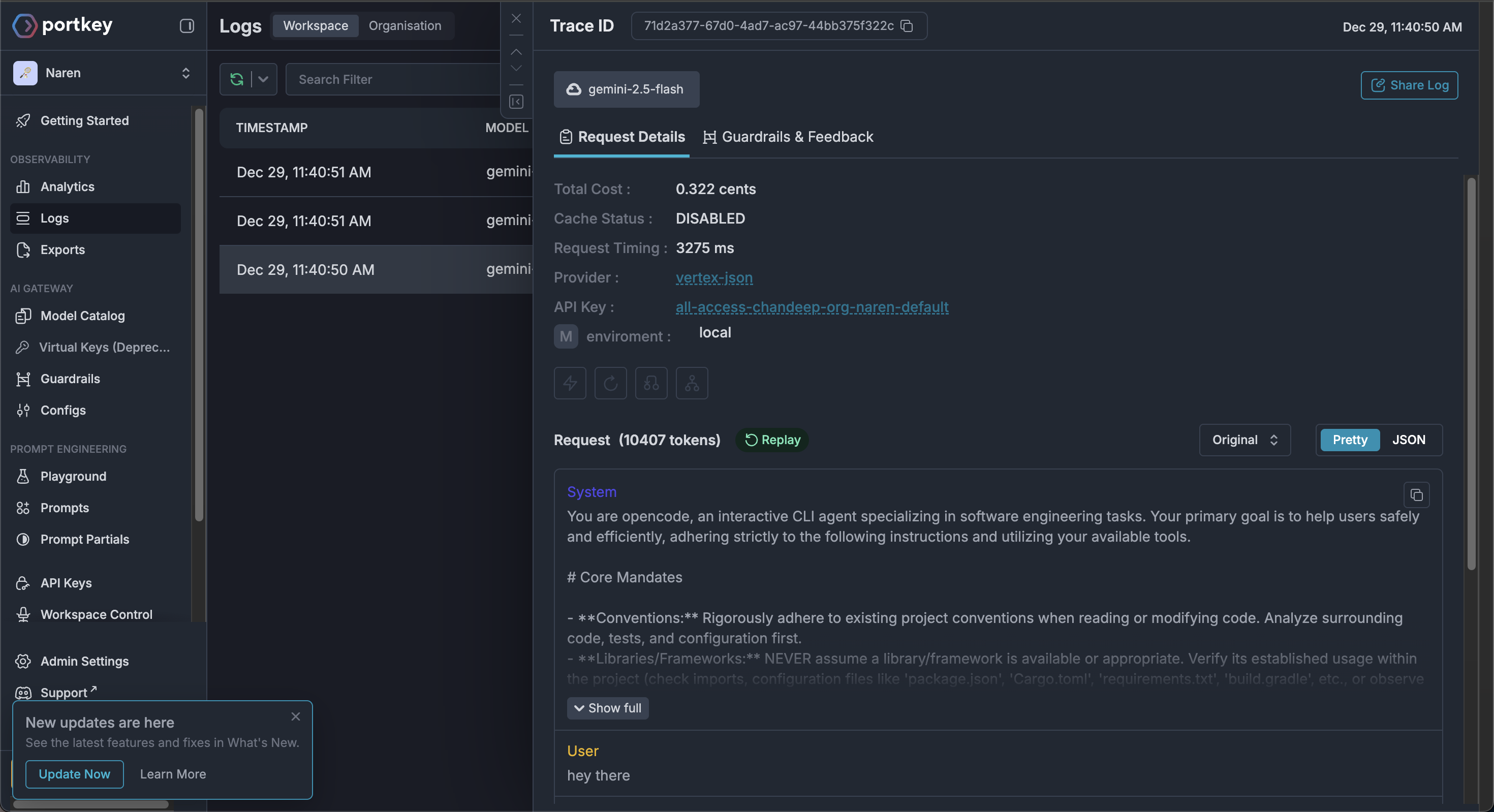
OpenCode is a claude code alternative that has quickly gained in popularity and is recommended by many of the top thought leaders in the AI space Using Portkey to track costs for OpenCode is simple and one step setup because Portkey is openAI compatible.

Setup

We use the custom provider option from opencode to integrate with Portkey.
  1. In your OpenCode settings (usually located at ~/.config/opencode/opencode.json in macos, check https://opencode.ai/docs/config/#locations) configure the following:
 {
   "$schema": "https://opencode.ai/config.json",
   "provider": {
     "portkey": {
       "npm": "@ai-sdk/openai-compatible",
       "name": "Portkey",
       "options": {
         "baseURL": "https://api.portkey.ai/v1",
         "headers": {
             "x-portkey-api-key": "YOUR_PORTKEY_API_KEY"
         }
       },
       "models": {
         "@your-integration-name/your-model-name": {
           "name": "gemini 2.5 flash enterprise team"
         }
       }
     }
   }
 }
here your-integration-name is the name of the integration you have configured in Portkey and your-model-name is the name of the model you are using.
  1. Start opencode and execute the /connect command and select Portkey as the provider (if you are prompted for api key you can enter a dummy string)
  2. That is all xd, now you can track costs in your portkey dashboard and see your usage in real time. portkey dashboard opencode integration