

OpenLIT’s automatic instrumentation combined with Portkey’s intelligent gateway creates a comprehensive observability solution where every trace captures model performance, prompt versioning, and cost optimization data in real-time.
Why OpenLIT + Portkey?
One-Line Instrumentation
Enable complete observability with a single line of code for all AI components
Full-Stack AI Monitoring
Monitor LLMs, vector databases, and GPUs in a unified view
Native OpenTelemetry
Built on OpenTelemetry standards for seamless integration
Production-Ready
Smooth transition from experimentation to production deployment
Quick Start
Prerequisites
- Python
- Portkey account with API key
- OpenAI API key (or add it to Model Catalog)
Step 1: Install Dependencies
Install the required packages for OpenLIT and Portkey integration:Step 2: Configure OpenTelemetry Export
Set up the environment variables to send traces to Portkey’s OpenTelemetry endpoint:Step 3: Initialize OpenLIT with Custom Tracer
Set up OpenTelemetry tracer and initialize OpenLIT:Step 4: Configure Portkey Gateway
Set up the OpenAI client to use Portkey’s intelligent gateway:Step 5: Make Instrumented LLM Calls
Now your LLM calls are automatically traced by OpenLIT and enhanced by Portkey:Complete Example
Here’s a full example bringing everything together:Next Steps
Configure Gateway
Set up intelligent routing, fallbacks, and caching
Model Catalog
Manage AI providers, credentials, and model access centrally
View Analytics
Analyze costs, performance, and usage patterns
Set Up Alerts
Configure alerts for anomalies and performance issues
See Your Traces in Action
Once configured, navigate to the Portkey dashboard to see your OpenLIT instrumentation combined with gateway intelligence: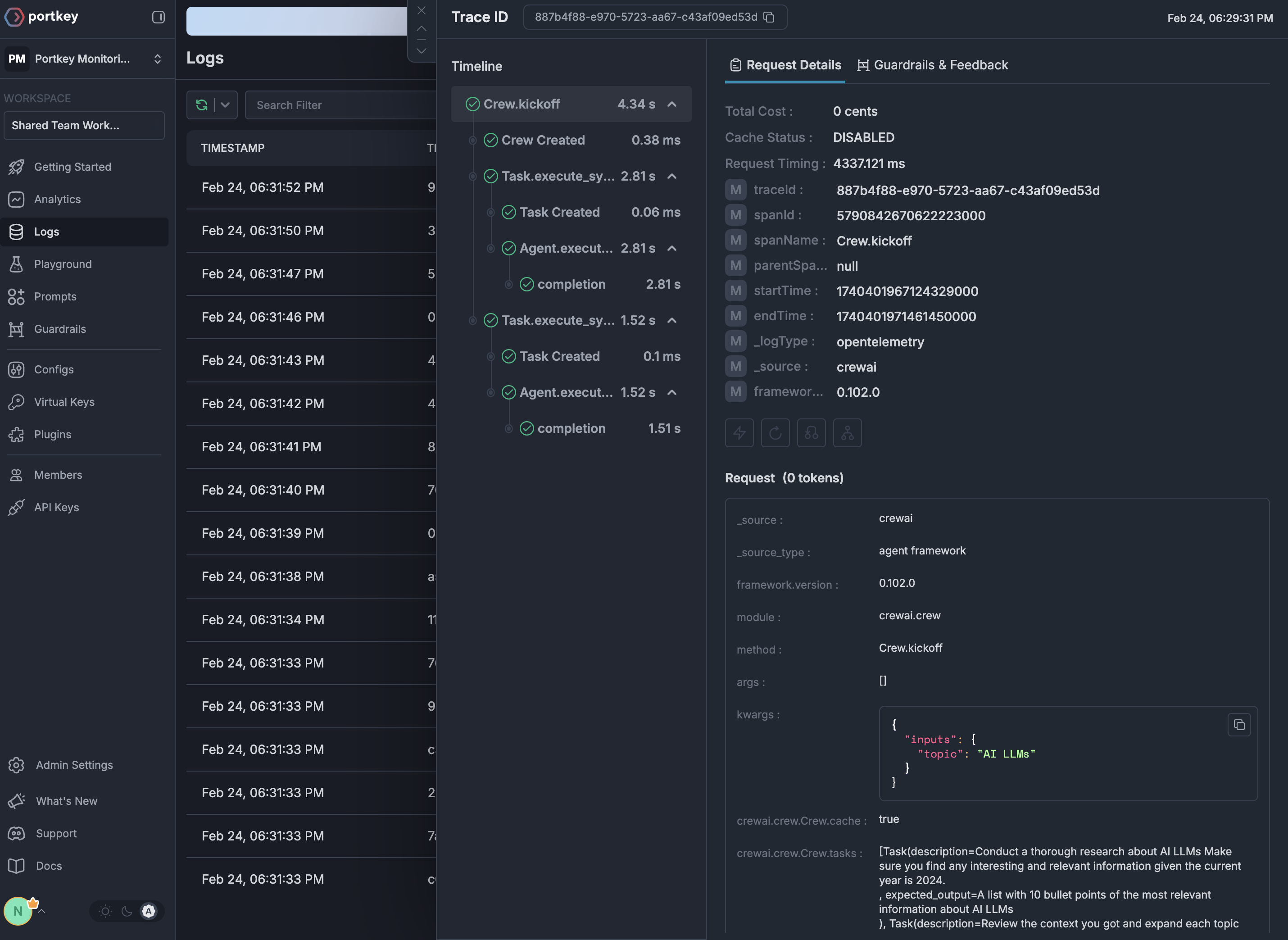
Portkey is now PRISMA AIRS AI Gateway. See it in action.
Contact Us